
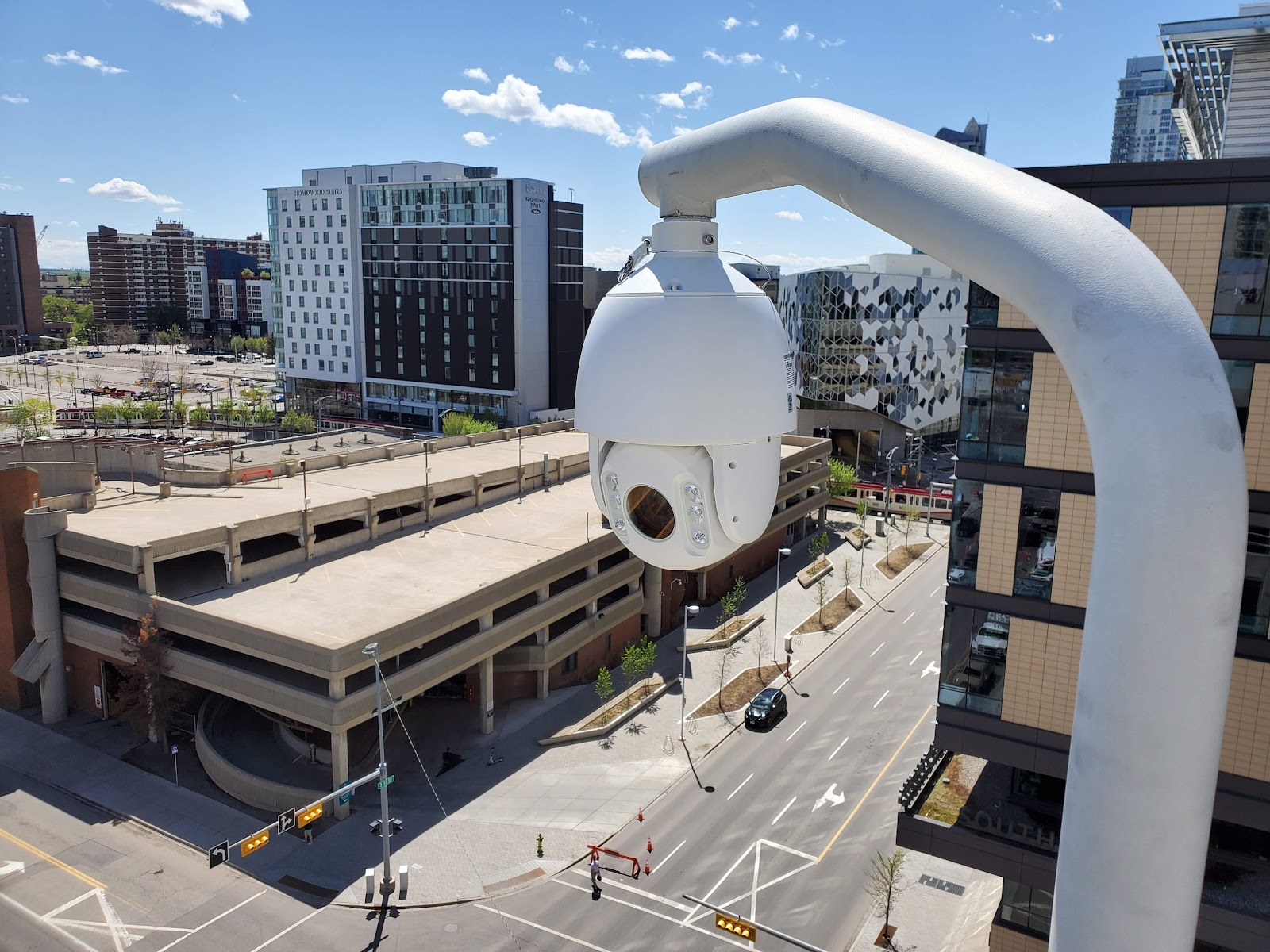
A security camera only helps if it is recording clearly when you need it. For condos and businesses in Calgary, security camera maintenance in Calgary is not a one-time job after installation. Dust, snow, ice, power interruptions and normal wear slowly reduce image quality, shorten recording time and can leave a gap in coverage at exactly the wrong moment. A short, regular routine prevents most of those problems and makes it easier to find footage after an incident.
This guide explains how often to service a system, what to check at each visit, and when to call a professional.
How often should you service a security camera system?
There is no single schedule that fits every property, but most Calgary condos and businesses can follow this pattern:
- Monthly: a quick visual check. Look at live views, check that every camera is online, and confirm the recorder is recording.
- Every three months: clean lenses and housings, check camera angles, test playback from a recent date, and confirm that alerts and remote viewing still work.
- Twice a year: a fuller check in spring and autumn. Inspect cables, mounts and seals, review recording retention, check hard drive health, and update firmware if an update is available.
- Once a year: a professional service visit. A technician can test the whole system end to end, check power and network equipment, and spot early signs of failure.
- After an event: check the system after a power outage, a storm, construction work, vandalism, or any incident where footage may be needed.
Clean the lenses and housings
Dirty lenses are one of the most common reasons for poor footage. Dust, pollen, fingerprints, spider webs, road spray and winter grime build up slowly, so the loss of clarity is easy to miss. At night, dirt on a dome or lens can scatter infrared light and create a hazy image that hides detail.
Clean each lens gently with a soft, lint-free microfibre cloth and a lens-safe cleaner or a small amount of water. Do not use paper towels or abrasive cloths, and never press hard on a dome. Wipe the housing as well, clear webs and debris from around the mount, and check the seal on outdoor housings for cracks that could let in moisture.
Check recording retention and playback
Recording is only useful if footage is still there when you look for it. Retention — how many days of video your system keeps before it overwrites the oldest footage — depends on the number of cameras, image quality, motion settings and hard drive size. It can shorten over time as cameras are added or settings change.
Once a quarter, pick a date a week or two in the past and try to play back footage from several cameras. Check that the time and date stamp is correct, that motion events are recorded, and that you can export a short clip if needed. Also confirm how many days back you can still view. If retention has dropped below what your condo board or business needs, review camera settings, motion zones and storage.
Keep firmware and software up to date
Firmware is the software that runs inside each camera and recorder. Updates can fix bugs, improve image quality, close security gaps and add features. Out-of-date firmware is a common weak point, especially for cameras connected to the internet for remote viewing.
Check for updates at least twice a year, and always follow the camera or recorder maker’s instructions. Back up your settings before an update, update one device or a small group first where possible, and confirm that cameras come back online and record correctly afterwards. Use strong, unique passwords for cameras, recorders and remote viewing apps, and change any default passwords.
Check hard drive health
The hard drive is the part of a recorder that works hardest. It writes video around the clock, and it will eventually wear out. A failing drive can cause missing footage, frozen playback, error messages or a recorder that restarts on its own.
Watch for warning signs: unusual clicking sounds, frequent recording gaps, cameras that drop out and return, or system alerts about drive errors. Many recorders have a built-in health status screen — check it during the twice-yearly service and note any warnings. If a drive is showing errors or is several years old and heavily used, plan a replacement during a scheduled visit rather than after footage is lost.
Seasonal checks for Calgary winters
Calgary winters put extra stress on outdoor cameras. Freeze-thaw cycles, heavy snow, ice, wind and road salt can affect mounts, cables and image quality. A short autumn check before the cold arrives is one of the most useful maintenance steps you can take.
Before winter, confirm that outdoor housings are sealed, cables are secure and not hanging where ice can pull on them, and mounts are tight. Clear any vegetation or snow build-up that could block the view. In January and February, check outdoor cameras after heavy snow or a Chinook melt-and-freeze cycle, when ice can form on a lens or dome overnight. In spring, check again for water ingress, cracked seals, loose mounts and corrosion, and clean lenses thoroughly after a winter of road spray and grit.
Do not forget cables, mounts and power
A camera is only as reliable as its connection and power supply. During a fuller check, look for loose connectors, damaged or pinched cables, water in junction boxes, and mounts that have loosened in wind or after building work. Check that the recorder, network switch and power supplies are on a stable power source, that cables are labelled, and that the equipment area is tidy and ventilated.
When to call a professional
Some tasks are fine for on-site staff or a condo caretaker, such as cleaning lenses, checking live views and testing playback. Call a professional when you see repeated camera dropouts, hard drive errors, firmware update failures, water inside a housing, damaged cabling, a recorder that will not boot, or footage that is missing or corrupted. Also get help before adding cameras, moving a recorder, or changing retention settings for the whole system.
A professional visit should include a full system test, a check of every camera angle, a review of recording and retention, firmware and drive health, and a short written note of what was checked. If you are planning a new or upgraded system, our guide to security cameras in Calgary explains the types of systems used locally, and our guide to security camera installation cost in Calgary explains the factors that affect the scope of an installation. You can also see our services for maintenance, repair and system upgrades.
A simple maintenance checklist to keep
Keep this short list on file and use it each quarter: every camera online and in focus; lenses and domes clean; night images clear; playback works from a past date; retention is as expected; firmware and passwords reviewed; hard drive health checked; and outdoor seals, mounts and cables secure. Clean lenses, test playback, watch hard drive health, prepare for winter, and get professional help early when something is not right.
For repairs, takeovers and health checks across all your systems, see our Security System Service & Repair in Calgary hub.
